Make starting simpler.
Save a Focus Card for study, work, or an evening away from the feed. Choose its length and break allowance. Optional reminders help you remember when you planned to begin.
Focus timer & app blocking · iPhone
Pick one thing to do. Start a Focus Card. Keep the apps you choose out of the way while you work, then see the time you protected.
Coming to the App Store · iOS 26 required
See how Daymark works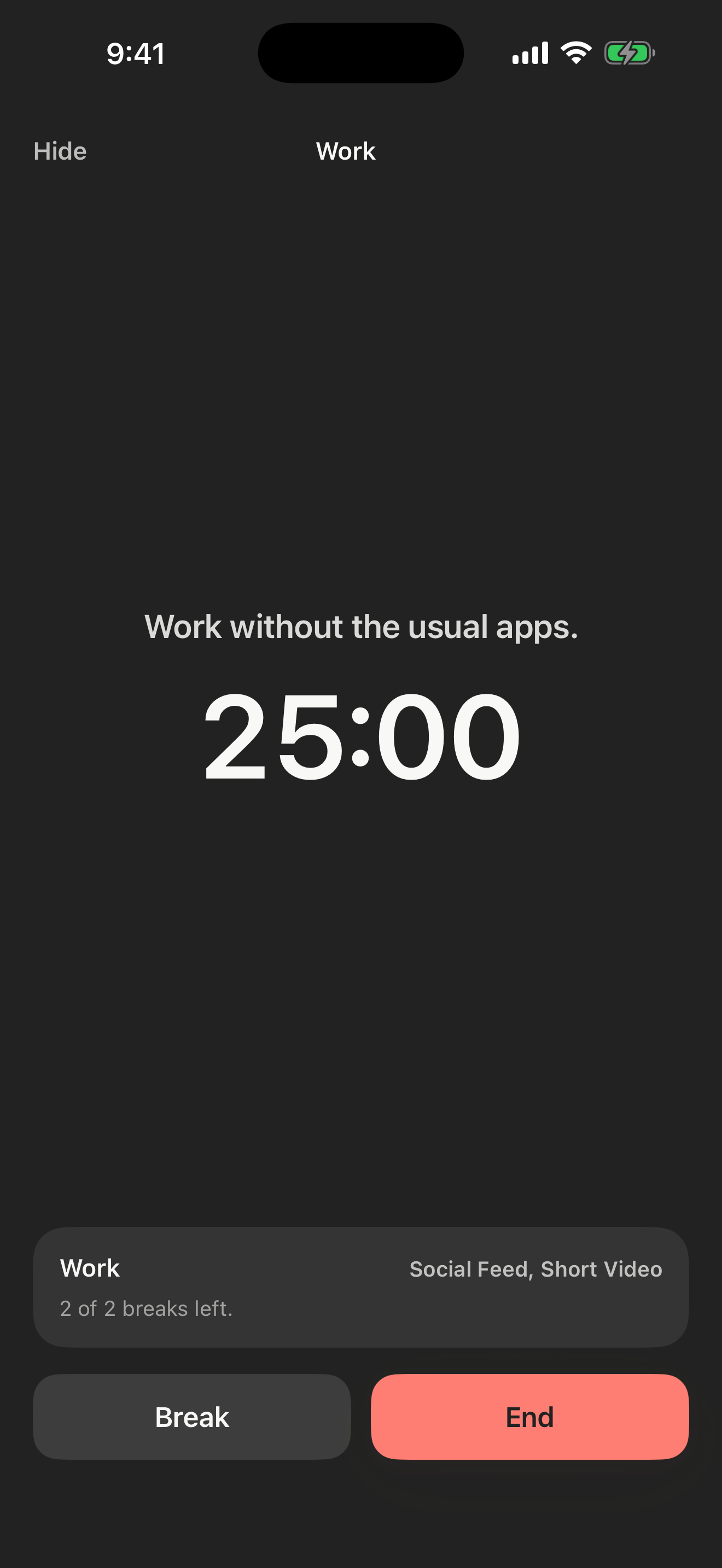
Save a Focus Card for study, work, or an evening away from the feed. Choose its length and break allowance. Optional reminders help you remember when you planned to begin.
With Screen Time permission, shield selected apps, categories, and websites during active focus. Blocking begins when you tap Start. Without permission, use Daymark as a timer and ledger.
Use a short break when you need one. The shield resumes when the break ends, and emergency access remains available.
Review completed sessions, weekly focus time, and breaks in an on-device ledger. No account, ads, or third-party analytics.
Daymark includes one completed starter focus. Continued access requires a weekly or annual auto-renewing subscription. Daymark requires iOS 26.
Coming soon. Check back here for the App Store download link.